
OpenCode is a coding agent that lives in your terminal, and Nebius Token Factory is one of the providers built into it. There is no gateway to configure and no base URL to paste: run /connect, pick Nebius Token Factory, paste an API key once, and every Token Factory model you have access to shows up in the model picker.
This guide covers the one-time setup, then runs a real prompt so you can see what an agent run costs.
What you need
- OpenCode installed and on your
PATH - A Nebius Token Factory account
- About five minutes for setup, and roughly $0.76 if you run the example prompt on GLM-5.2
1. Create a Token Factory API key
In Token Factory, select the project you want to bill against, open API keys, and select Get API key. Copy the key. You will paste it into OpenCode in the next step, and Token Factory will not show it again.

Treat the key like a password. It authorizes paid inference against that project.
2. Connect Token Factory in OpenCode
Start an interactive session from the directory you want to work in:
opencode
Run /connect.
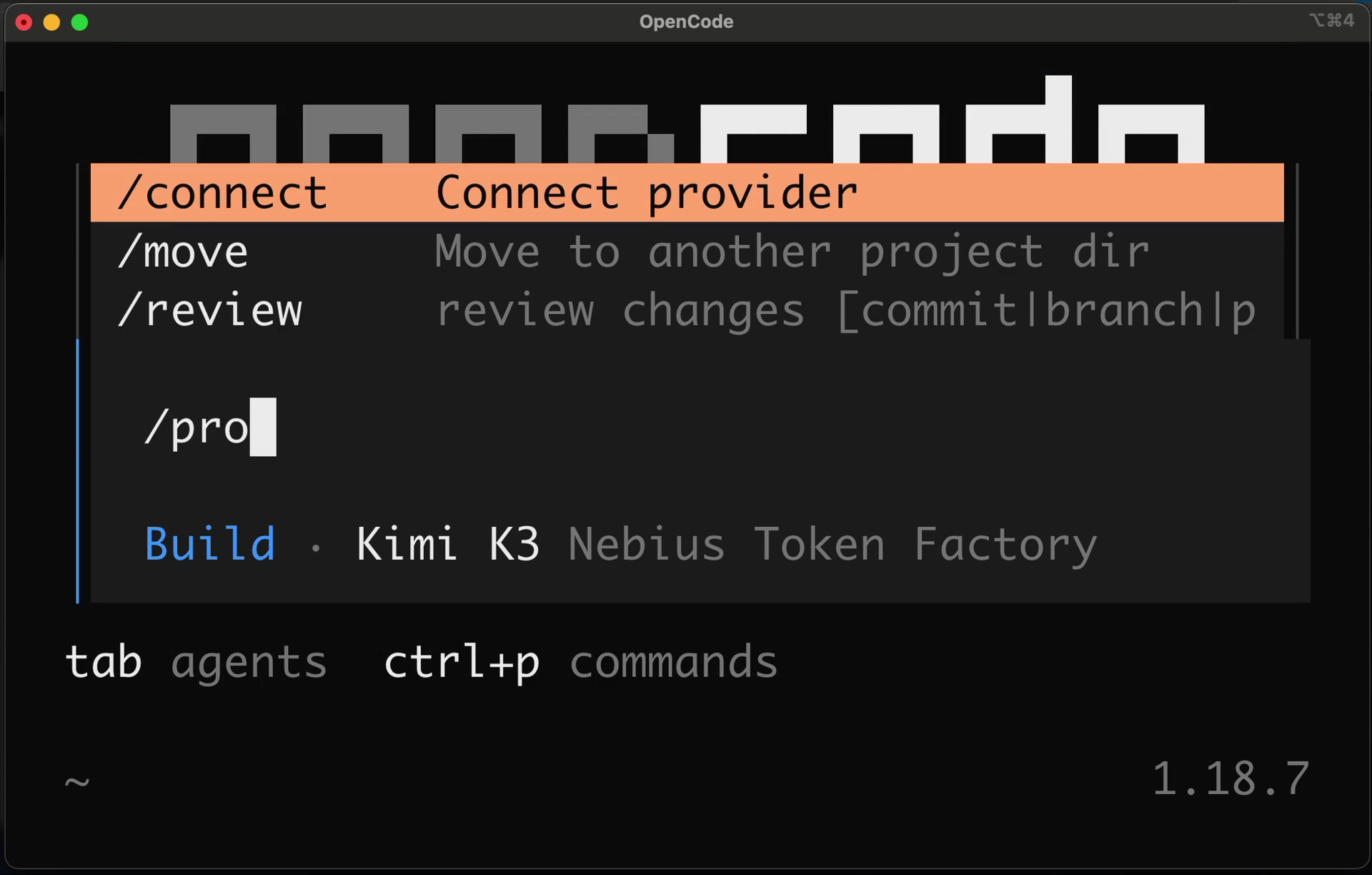
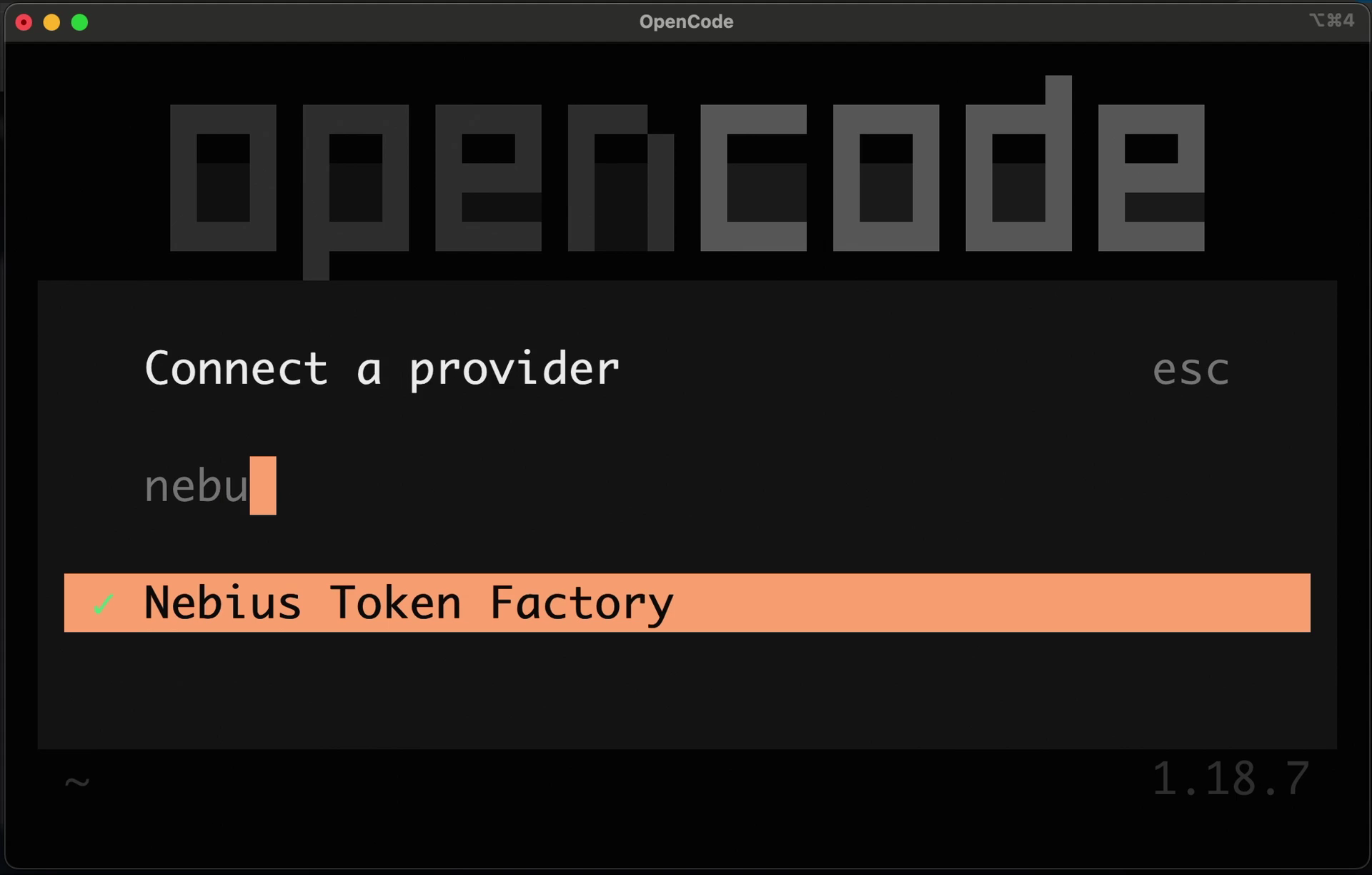
Type nebu to filter the provider list, then select Nebius Token Factory.
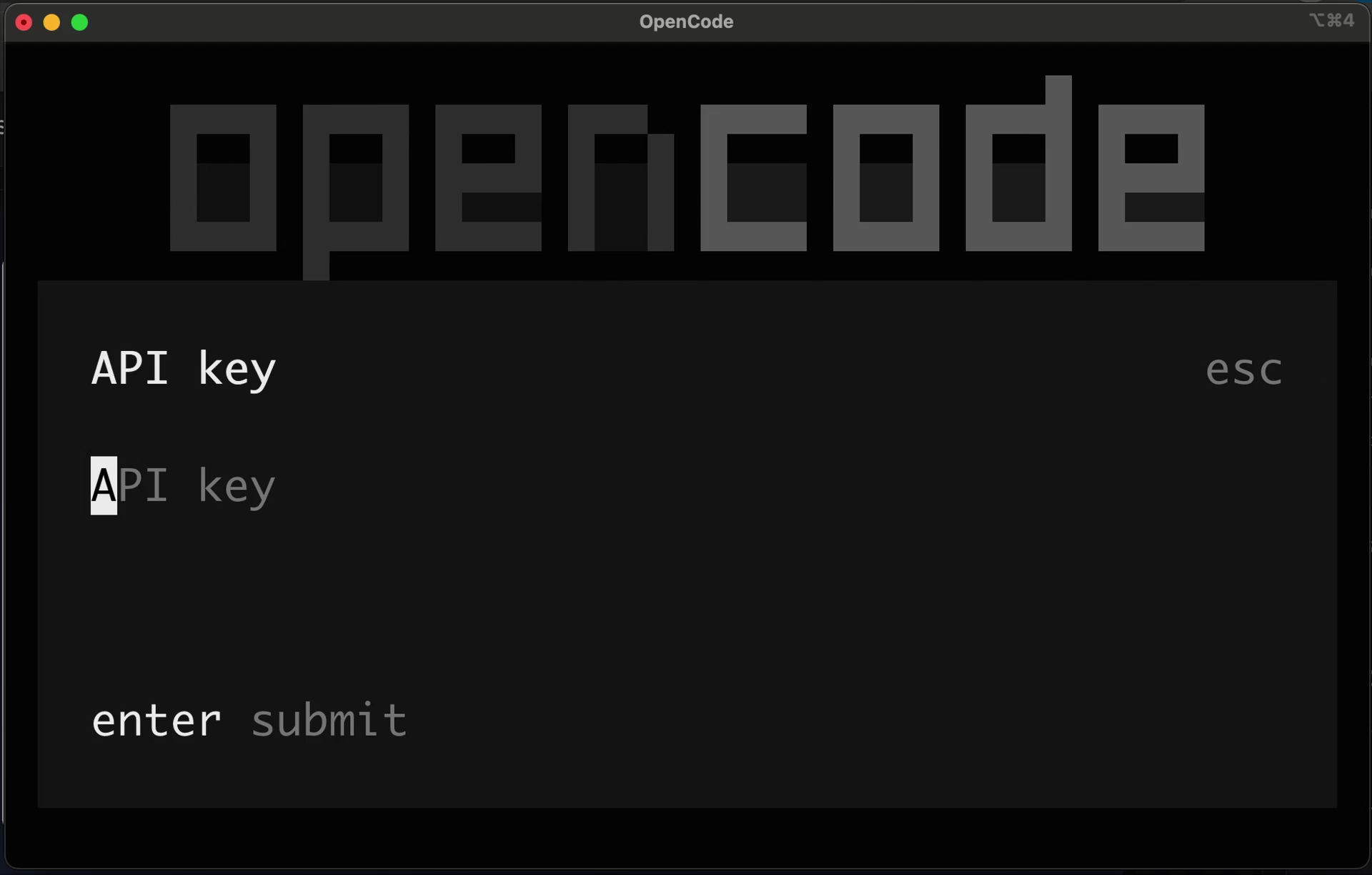
Paste the API key and press enter.
OpenCode stores the credential locally (on macOS and Linux in ~/.local/share/opencode/auth.json), so this is a one-time step per machine rather than per project. The full flow is recorded in the OpenCode walkthrough.
3. Pick a Token Factory model
Run /models and search for the model you want.
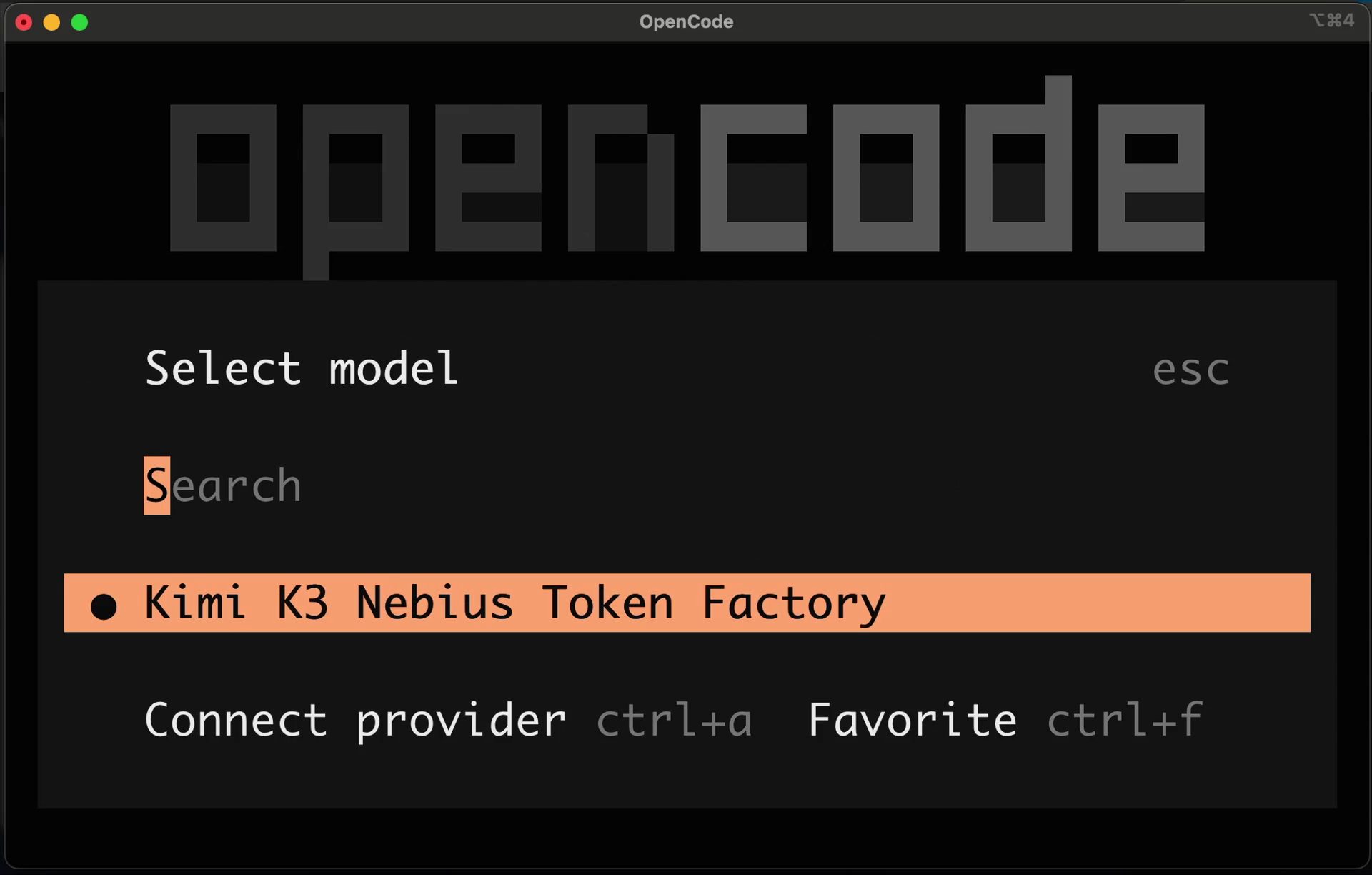
OpenCode model identifiers are nebius/<vendor>/<model>, the Token Factory model ID with the provider prefix in front:
| Model | OpenCode identifier | Context | Input / output per 1M tokens |
|---|---|---|---|
| Kimi K3 | nebius/moonshotai/Kimi-K3 |
1M | $3.00 / $15.00 |
| GLM-5.2 | nebius/zai-org/GLM-5.2 |
1M | $1.40 / $4.40 |
| MiniMax-M3 | nebius/MiniMaxAI/MiniMax-M3 |
1M | $0.30 / $1.20 |
| Qwen3-30B-A3B-Instruct-2507 | nebius/Qwen/Qwen3-30B-A3B-Instruct-2507 |
262K | $0.10 / $0.30 |
Model IDs, context limits, and prices above were checked on October 15, 2026. They change, so confirm yours in the Token Factory model catalog and on the pricing page.
Before you spend anything:
- The model list is per account. OpenCode shows what the provider publishes; whether a specific model answers depends on your account’s access.
- Pick the model for the job. An agent loop resends its accumulated context on every step, so input tokens dominate the bill. A mid-priced model that finishes in ten steps is often cheaper than a premium one that finishes in eight.
4. Give it real work
Paste the cookbook’s one-shot prompt into the session and let the agent work.
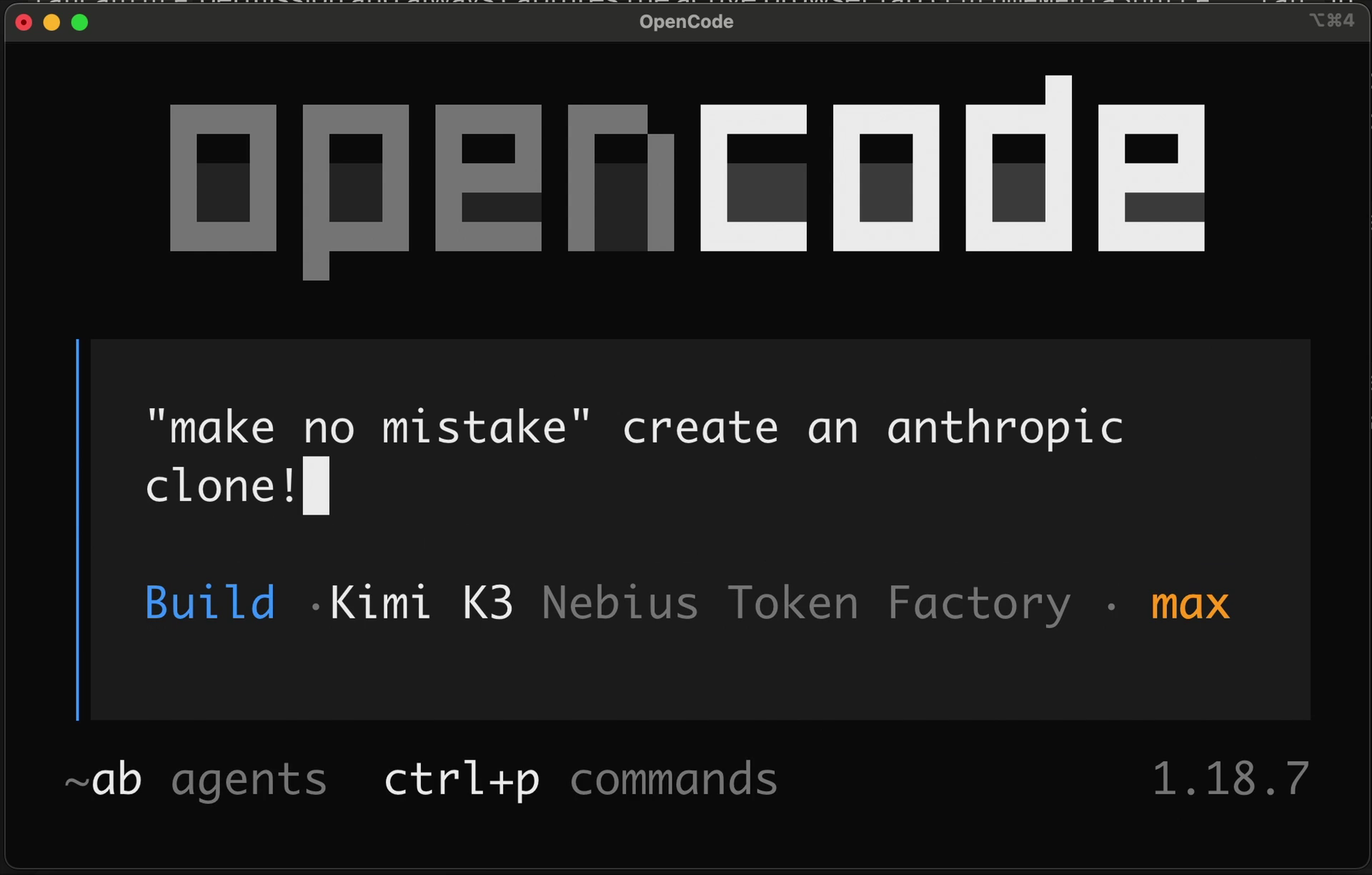
The prompt asks for a single-page, dependency-free token cost calculator: one self-contained index.html, live results, real <label> elements, an aria-live results region, validation that never renders NaN, and a README.md documenting the formula. It is small enough to check by eye, and it shows a Token Factory model driving an agent loop end to end.
You can also run it non-interactively, which is how the cost below was measured:
opencode run --model nebius/zai-org/GLM-5.2 --auto "$(cat prompt.md)"
--auto approves file writes without prompting. Use it in a scratch directory, not in a repository you care about.
5. What one run costs
One non-interactive run of that prompt on GLM-5.2, measured on August 28, 2026 with opencode 1.18.21:
| Metric | Value |
|---|---|
| Assistant turns | 21 |
| Input tokens | 483,125 |
| Output tokens | 9,830 (plus 9,576 reasoning tokens) |
| Wall time | 128s |
| Cost reported by OpenCode | $0.7618 |
Output is tiny, a 200-line HTML file and a README, while input is nearly half a million tokens, because each of the 21 steps resent the whole conversation plus tool output. Reasoning tokens are reported as a detail inside output usage and are billed at the output rate, so count them once.
Your number will differ. Agent runs are not deterministic, and anything that adds to the system prompt on your machine (installed skills, plugins, AGENTS.md files, MCP servers) is resent on every step and shows up as input tokens.
The generated app and the full run notes are in the companion repository.
Verify the setup
/modelslists models under Nebius Token Factory.- A prompt gets a reply, and the footer shows the Token Factory model you selected.
- Token Factory’s usage view for that project shows requests appearing as you work.
To confirm which models your key can reach, ask the API directly:
curl -s https://api.tokenfactory.nebius.com/v1/models \
  -H "Authorization: Bearer $NEBIUS_API_KEY" | python3 -m json.tool
Troubleshooting
Nebius Token Factory is missing from /connect. Update OpenCode and restart it. The provider list ships with the release.
A model is missing from /models. Compare the picker against the curl output above. If the API lists it and OpenCode does not, update OpenCode; if neither lists it, your account does not have access.
A run hangs with no output at all. OpenCode waits on the first token, so a model that never sends one looks like a frozen agent. Test it outside OpenCode:
curl -s -m 60 https://api.tokenfactory.nebius.com/v1/chat/completions \
  -H "Authorization: Bearer $NEBIUS_API_KEY" \
  -H 'Content-Type: application/json' \
  -d '{"model":"zai-org/GLM-5.2","messages":[{"role":"user","content":"Reply with exactly: PONG"}],"max_tokens":30}'
A healthy Token Factory model answers this in about a second. If that call also returns nothing before the timeout, the problem is upstream of OpenCode. Switch models with /models and carry on in the same session. This is why this cookbook’s run used GLM-5.2: on the day it was written, one model on the account returned no first token for over 90 seconds while others answered immediately.
401 or 403 on every request. The key is revoked, mistyped, or belongs to a different project. Run /connect again and paste a fresh key.
Keep the cost down
- Start a new session for unrelated work. Context carried from a finished task is resent as input tokens on every step.
- Switch models mid-session with
/models: plan on a stronger model, then execute on a cheaper one. - Prune what loads into every prompt: unused skills, plugins, and MCP servers are pure input-token overhead.
- Give the agent a narrow, checkable task. Fewer steps cost less.
Clean up
The demo prompt only writes files in the working directory, so deleting that directory removes everything it produced. To disconnect the provider, remove the nebius entry from ~/.local/share/opencode/auth.json, and delete the API key in Token Factory if you no longer need it.